
Just ask Officebot.It'll handle the rest.
Book time off, plan shifts, or check who's in — type it like you would to a coworker. No dropdowns, no forms, no learning curve.

No credit card needed. Cancel anytime.
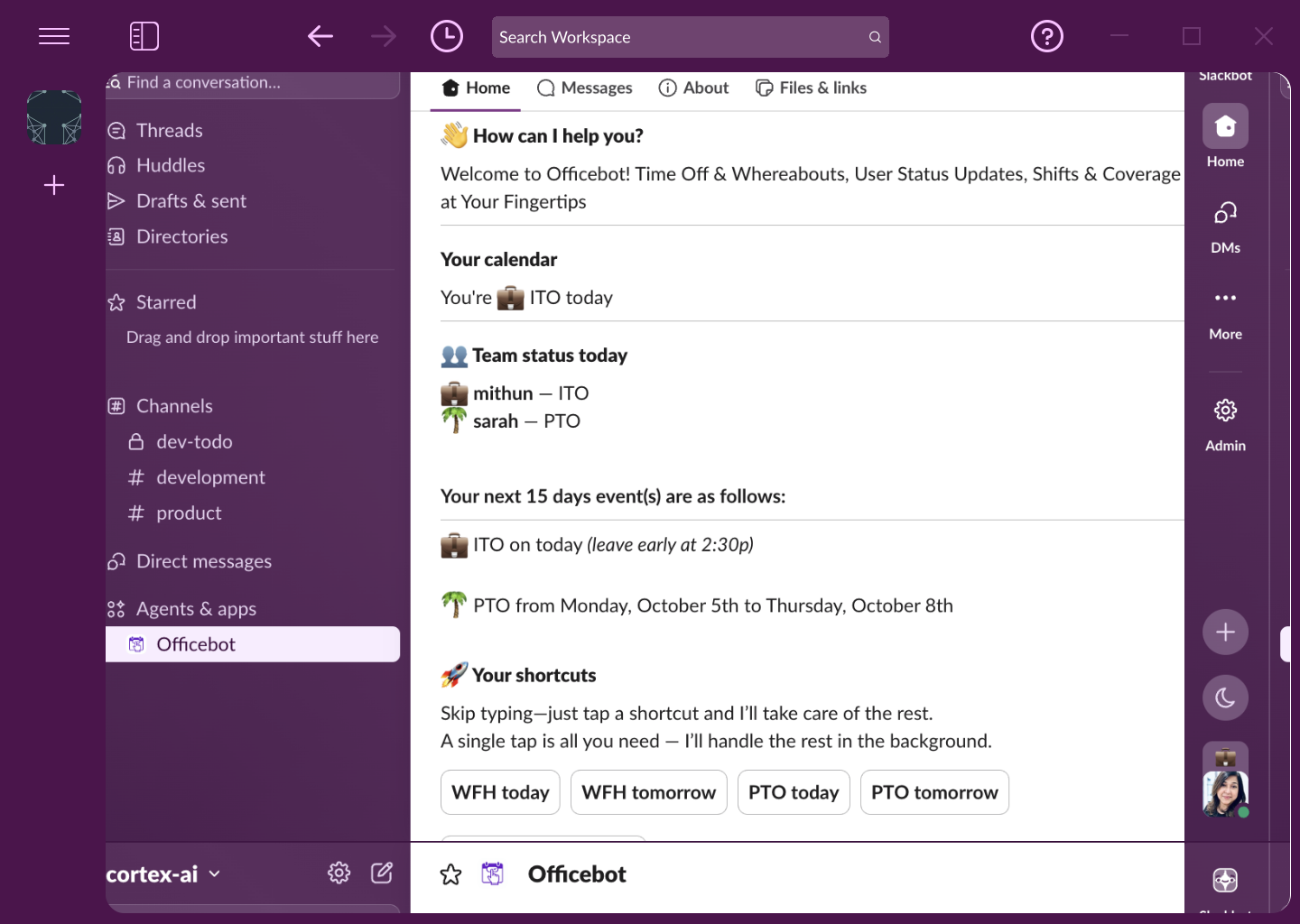
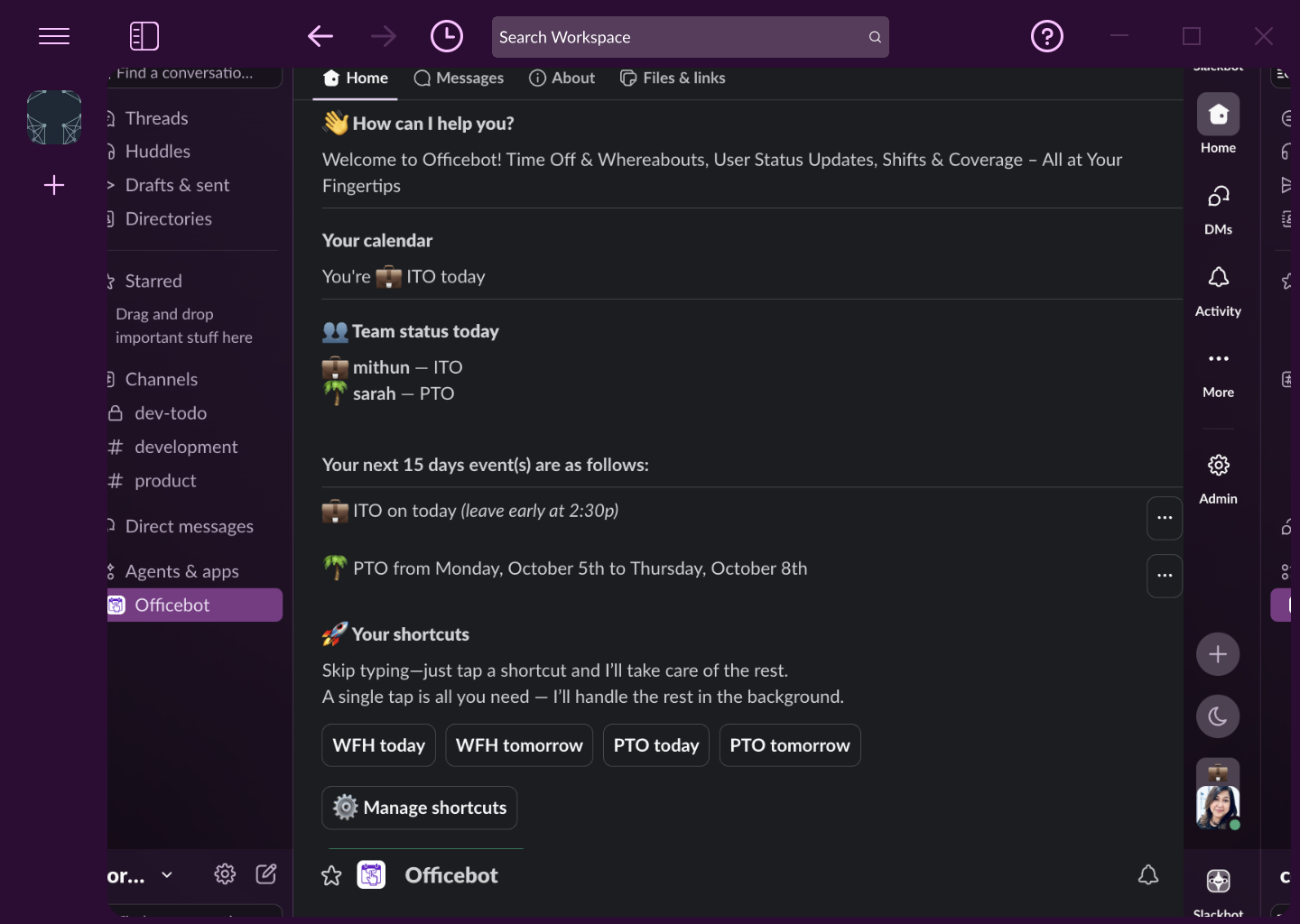
The fastest way to manage time off and whereabouts? Just say it.
Officebot understands plain English — even when one message means several things. Ask questions, make changes, get answers, in a normal sentence, right inside Slack.
Say your whole week at once
Office Monday to Wednesday, PTO the rest of the week — one message, and Officebot books each entry with your notes, adds it to Google Calendar and shows it on your Home tab. Plans change? Edit it in a click.
Get a straight answer
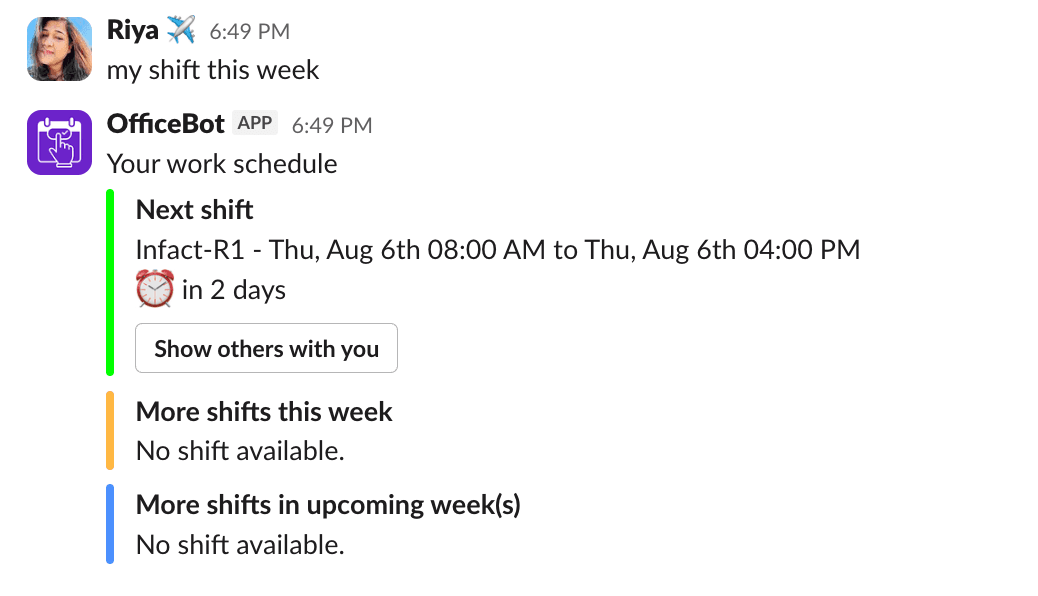
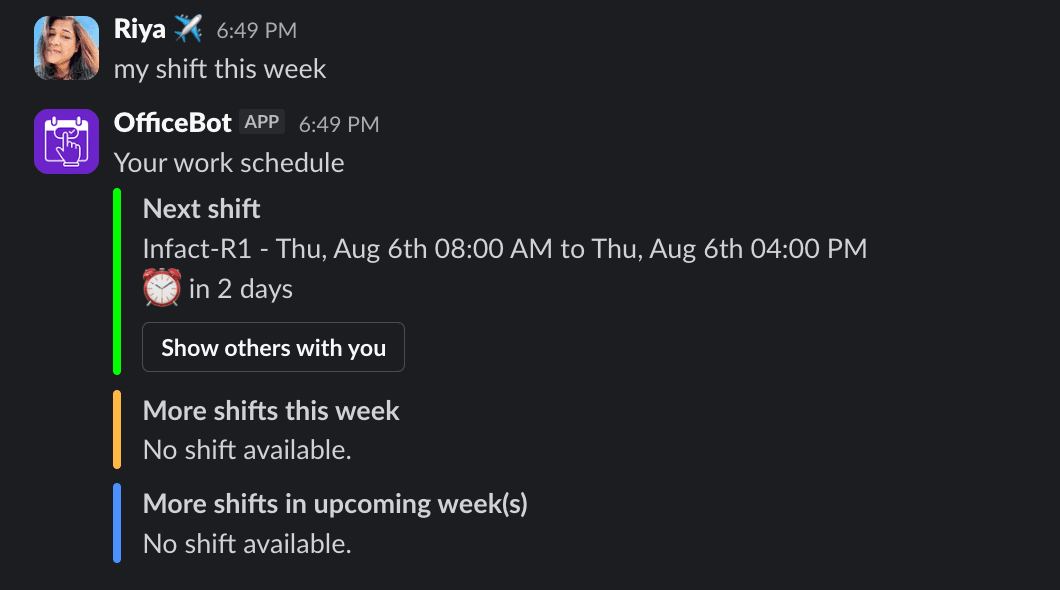
Ask where you'll be the way you'd ask a coworker. Officebot checks your live schedule and answers on the spot.


Built on agentic AI — it doesn't just answer, it takes action.
Book it anywhere. It shows up everywhere.
Officebot and Google Calendar keep each other up to date. Time off logged in Slack blocks your calendar, and Out of office set in Google Calendar becomes leave your team can see, with no double entry.
Google Calendar → Officebot
Add Out of office in Google Calendar and, within about 15 minutes, Officebot asks in Slack whether to log it as leave. Pick the type, click Add. Your title becomes the leave's note, and moving or deleting the event later asks before changing the leave.
Officebot → Google Calendar
Log leave in Slack and it lands on your calendar the right way: PTO as Out of office, which declines new meeting invites, WFH as Free, and anything else as Busy. Admins choose the style per leave type.
One place for your team's time off and shifts
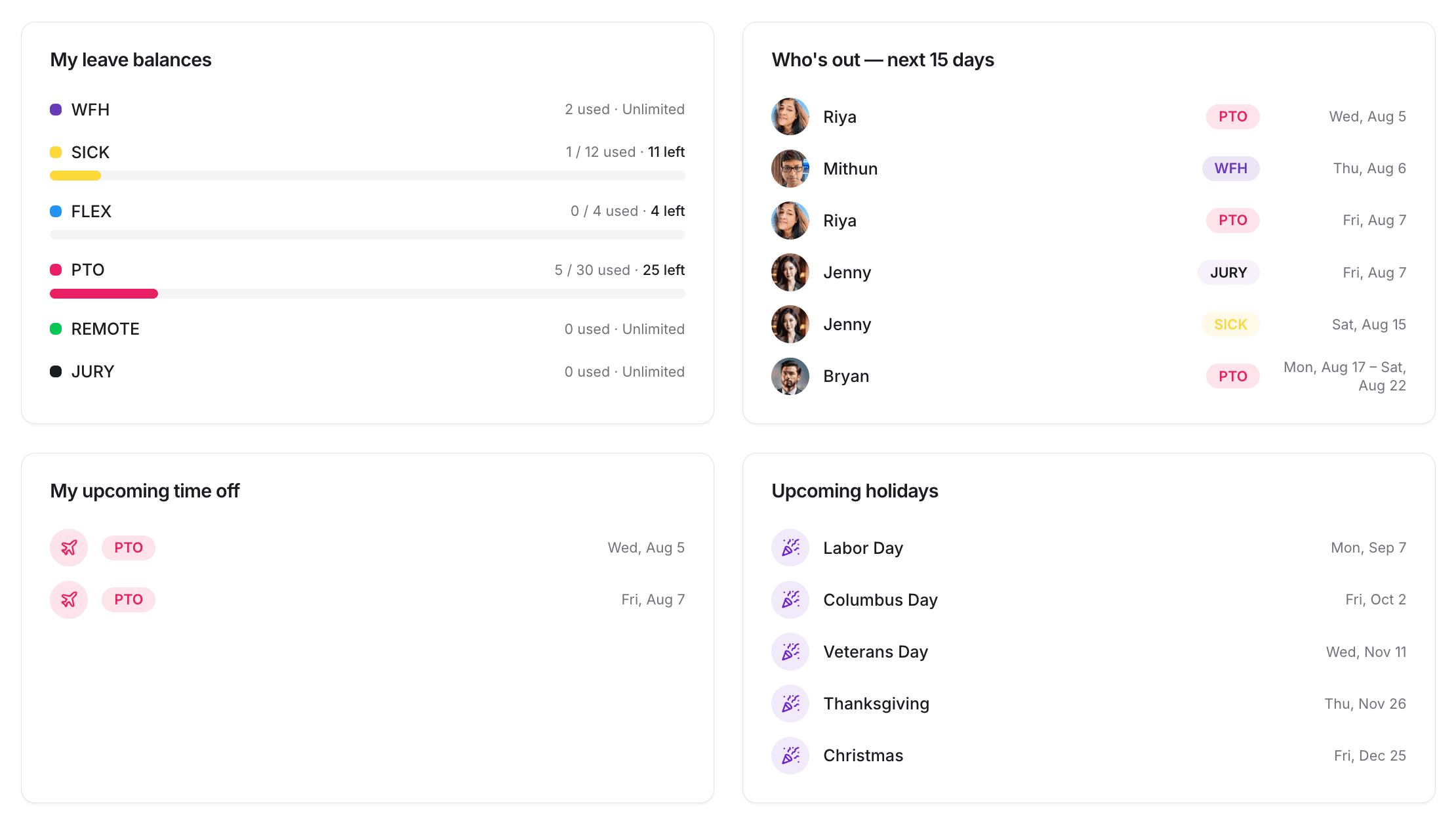
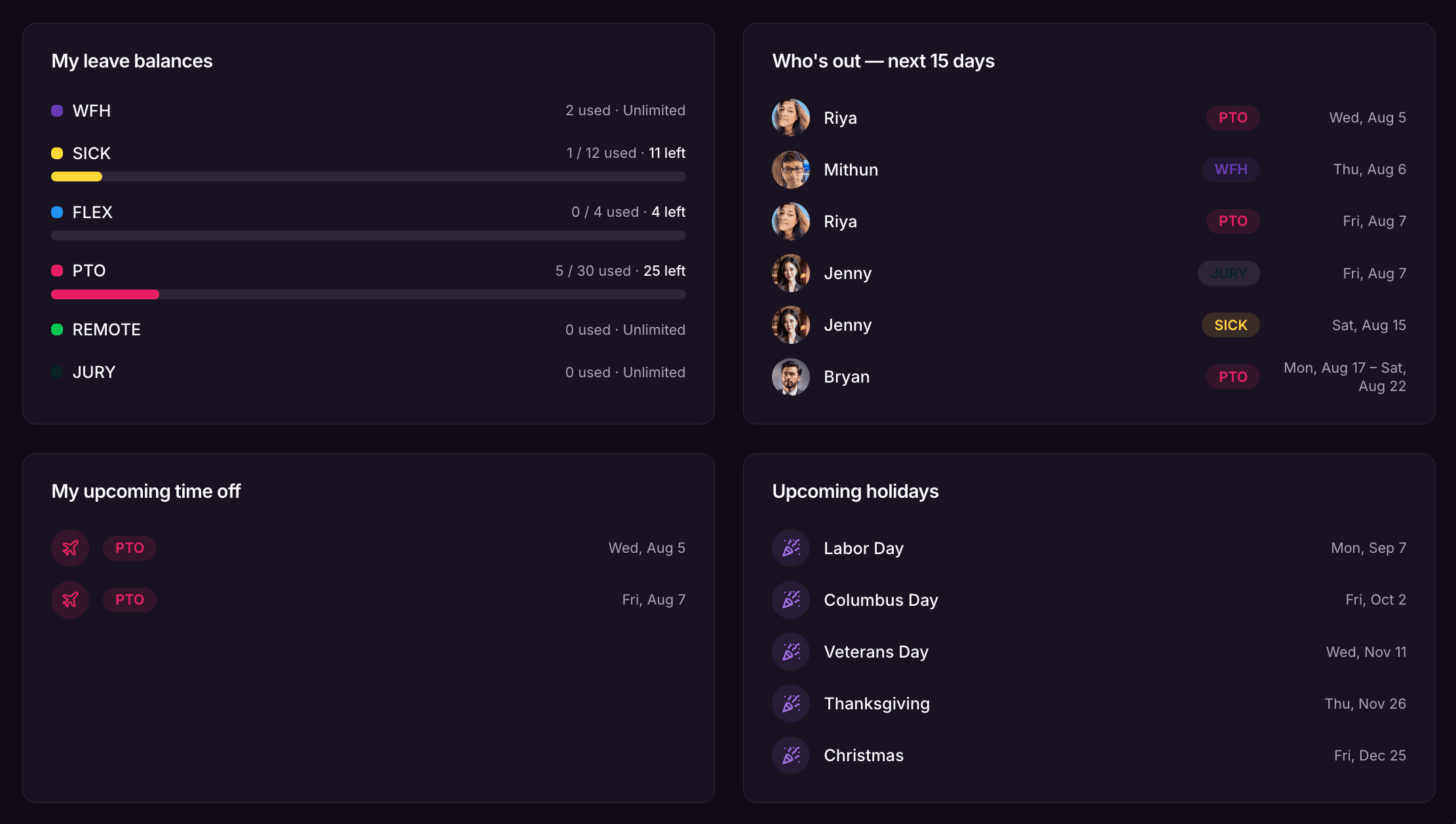
Scroll through the dashboard, calendar, and shift planner — all kept in sync, in the browser or in Slack.
Dashboard
Get a high-level summary of your team's leave consumption, active members, and pending approvals in a unified command center.
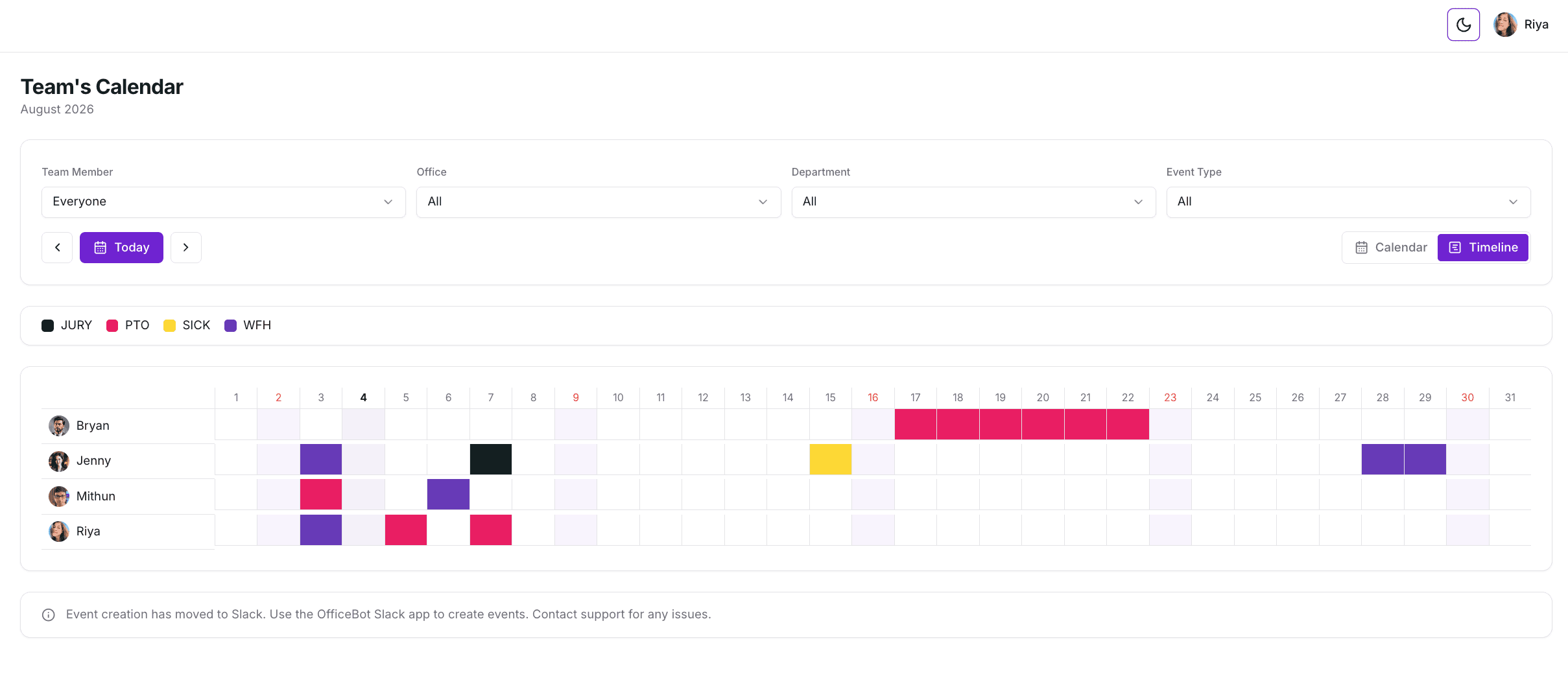
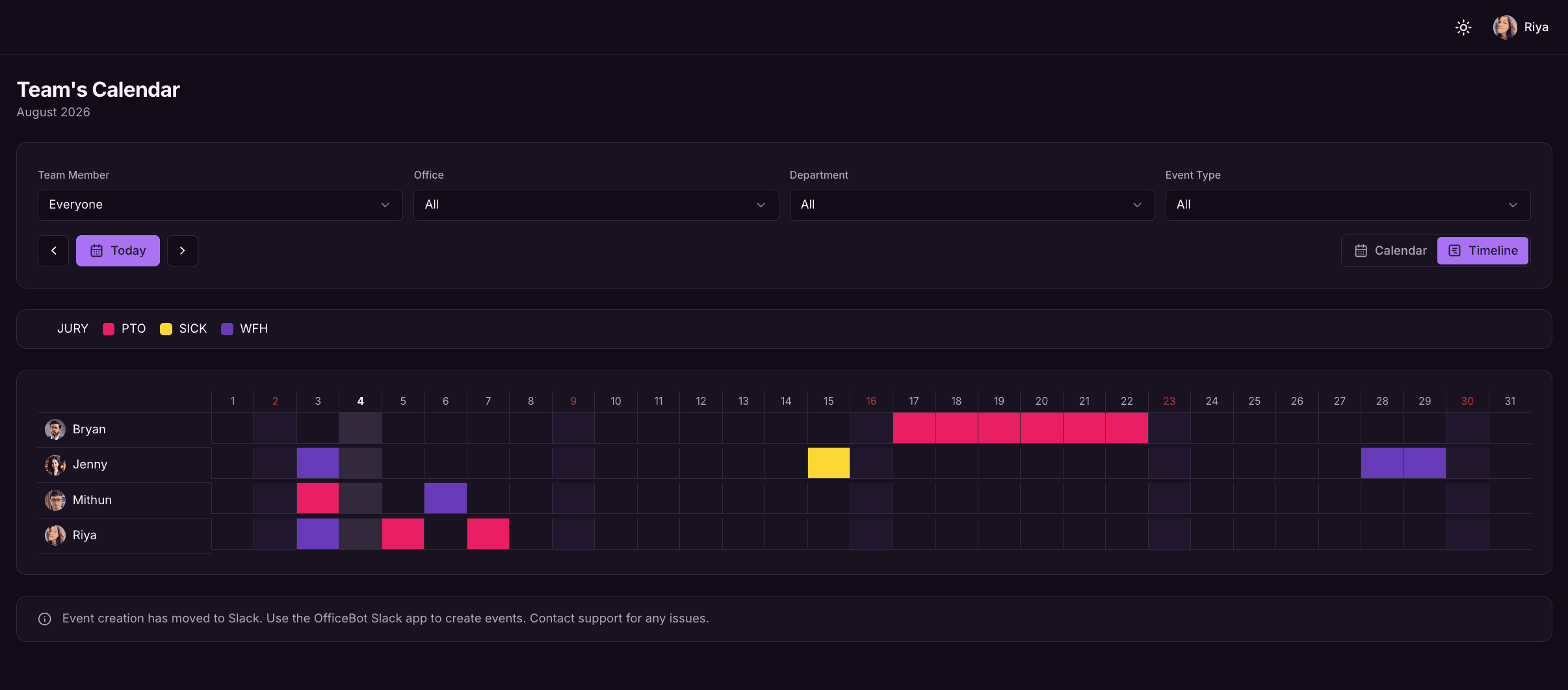
Visual Calendar
Coordinate team availability instantly. View approved leaves in a clean, filterable monthly calendar that keeps everyone in sync.
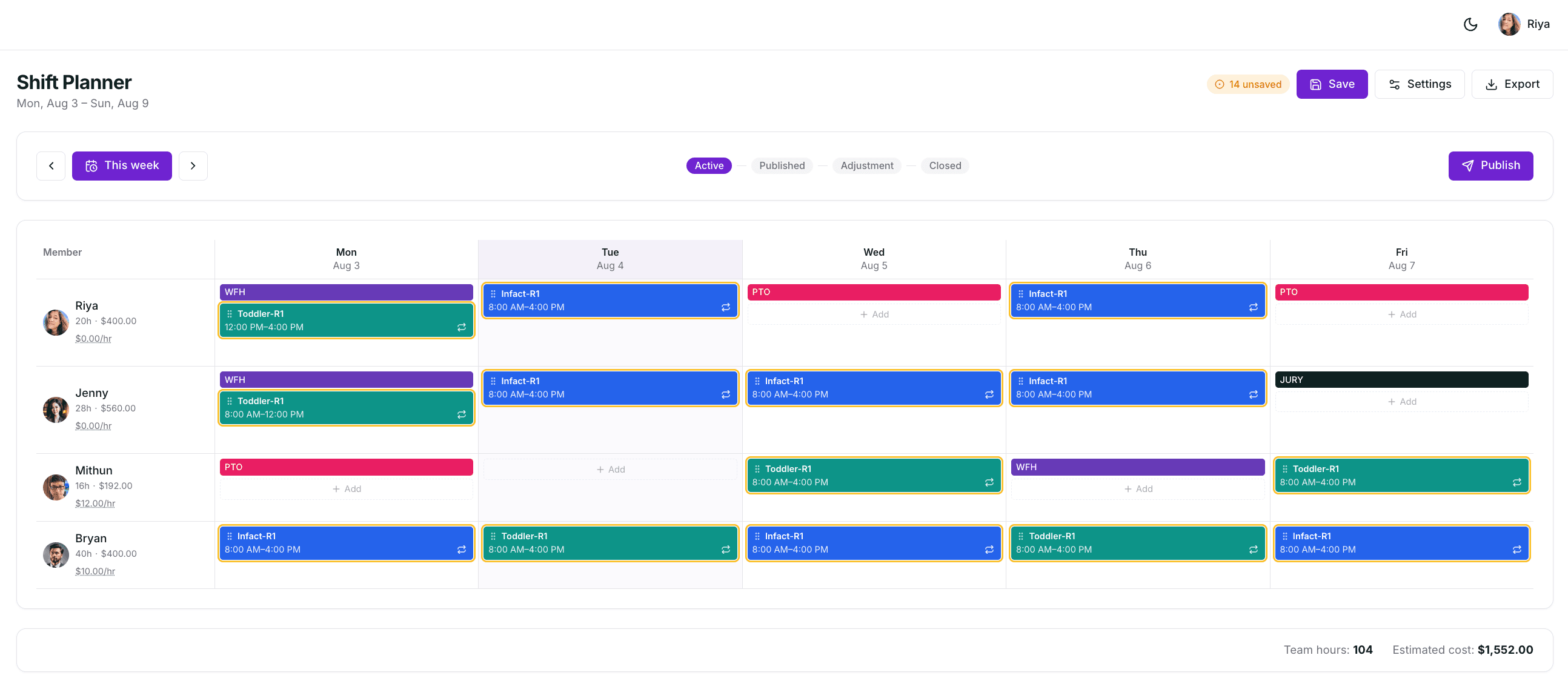
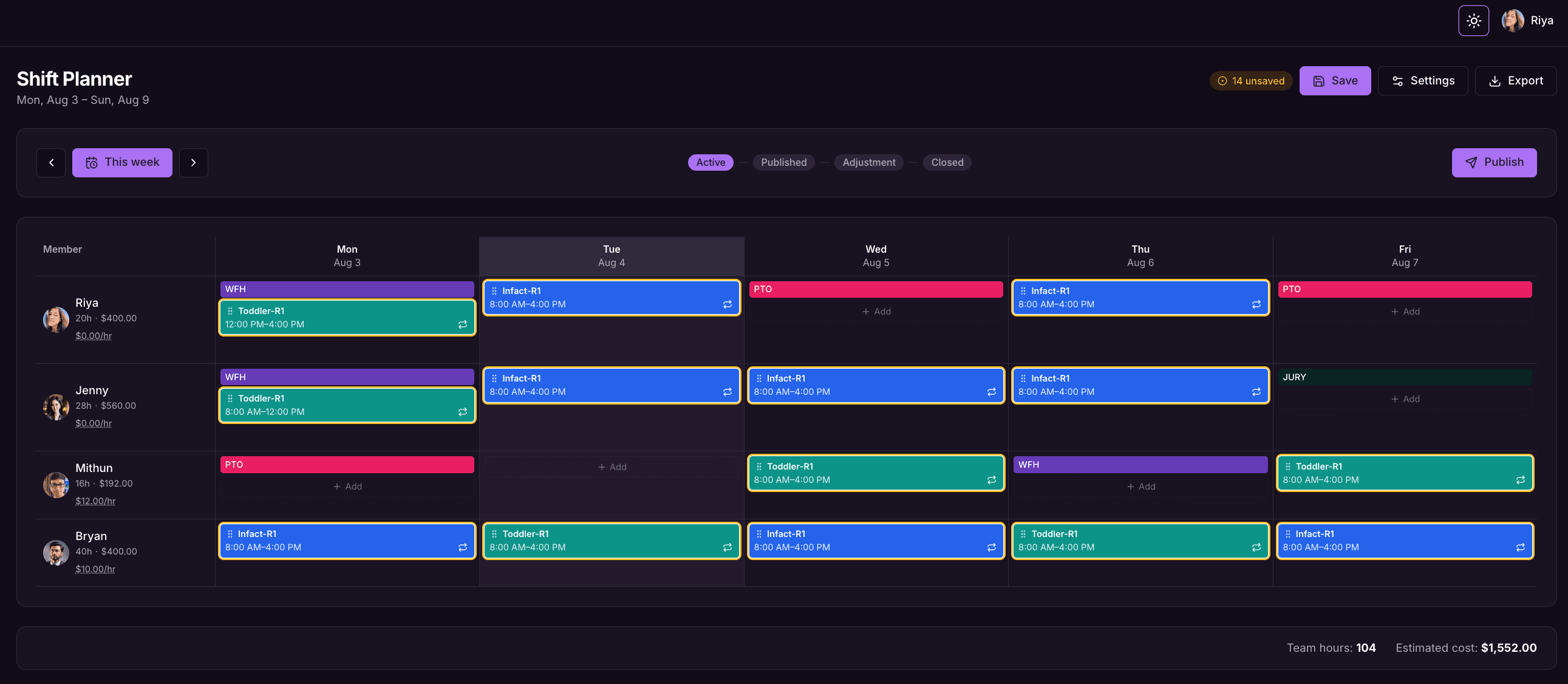
Shifts & Coverage
Plan employee shifts with precision. Build rosters, coordinate shift swaps, manage location rules, and stay within wage budgets.
Our customers love us

“The support is amazing. We quickly configured Officebot to do exactly what we need it to do. People quickly adopted Officebot and it's appearing in more and more team channels.”
Kate G, Web Development
“The feature we use the most is the status update. Slack already allows you to quickly update your status, but we found that people would put up funny statuses but no one would see them unless they were trying to message them. Officebot's status update is just as fast but also sends a notification to a channel of your choosing.”
Daniel L. CEO
“Everyone adopted the solution quickly, it's now part of the way we do business.”
Simon L. CEO
Trusted by Teams and Companies Worldwide





Time Off & Whereabouts
Stay updated, be it in-office or embracing hybrid work
Officebot runs directly where your team already collaborates. Track your team's time off and whereabouts, sync calendars, and manage public holidays without ever leaving Slack.
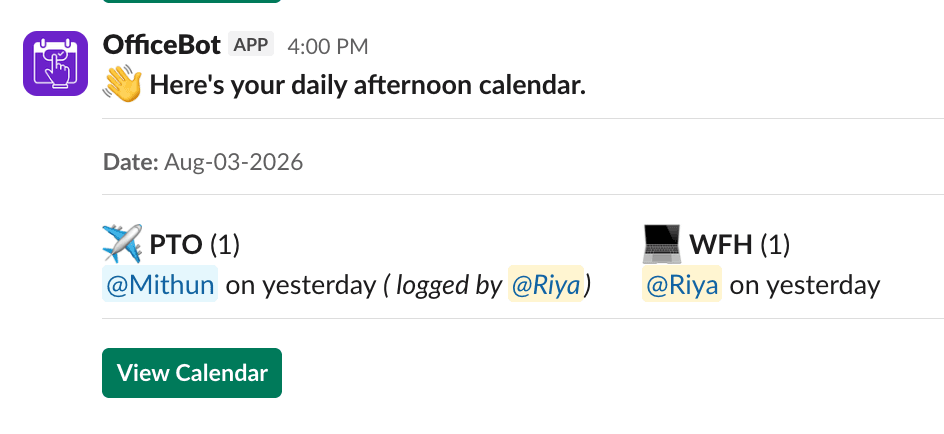
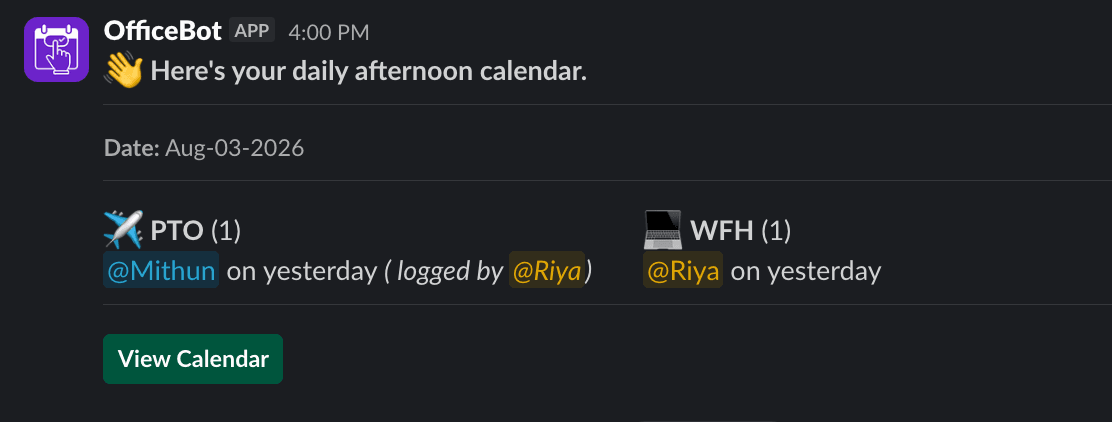
Daily & weekly summary
Know who's in, out, or working from home — delivered right in Slack.
Holiday reminders
Never get caught off guard by an upcoming public holiday again.
User status updates
Teammates' Slack status updates automatically when they're on leave.
Book time off
Request PTO, WFH and other leave in a couple of clicks.
Auto-sync with Google Calendar
Keep your leave and your calendar perfectly in sync.
Locations & teams
Organize people by location and team, so everyone sees the right availability, holidays and alerts.
Shifts & Coverage
Bye-bye paperwork, hello effortless shift planning
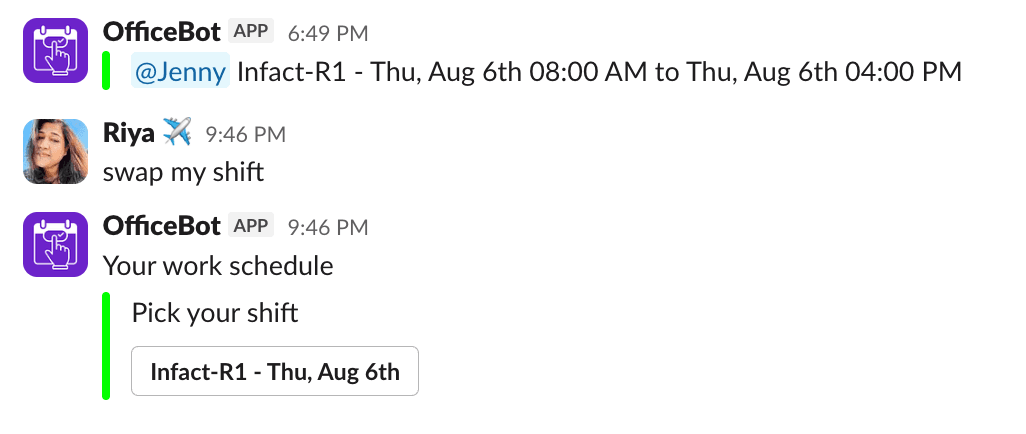
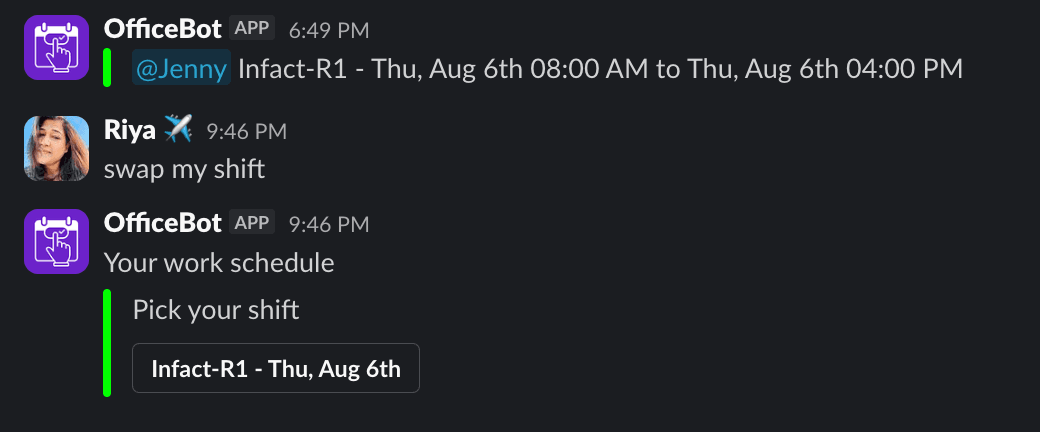
Say goodbye to complicated spreadsheets and shift confusion. Coordinate shifts, notify your staff instantly, and handle shift swaps natively in Slack conversations.
Build rosters fast
Plan and publish shift rosters without the paperwork.
Slack notifications
Everyone gets notified of their shifts, right where they work.
Shift swaps
Let your team request and approve swaps with ease.
Reminders
Automatic reminders so no one misses a shift.
How Officebot works in Slack
Add to Slack
Install Officebot into your workspace.
Authorize
Grant the permissions Officebot needs.
Invite @officebot
Add Officebot to your team channels.
Open the Home tab
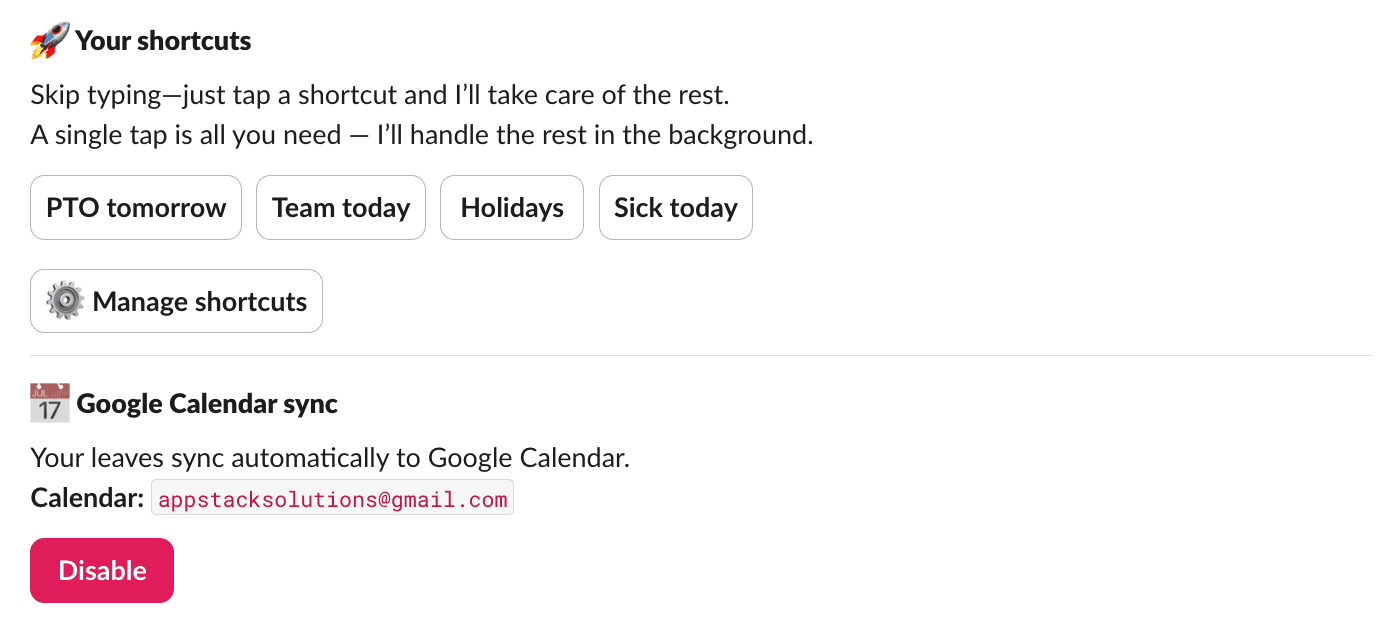
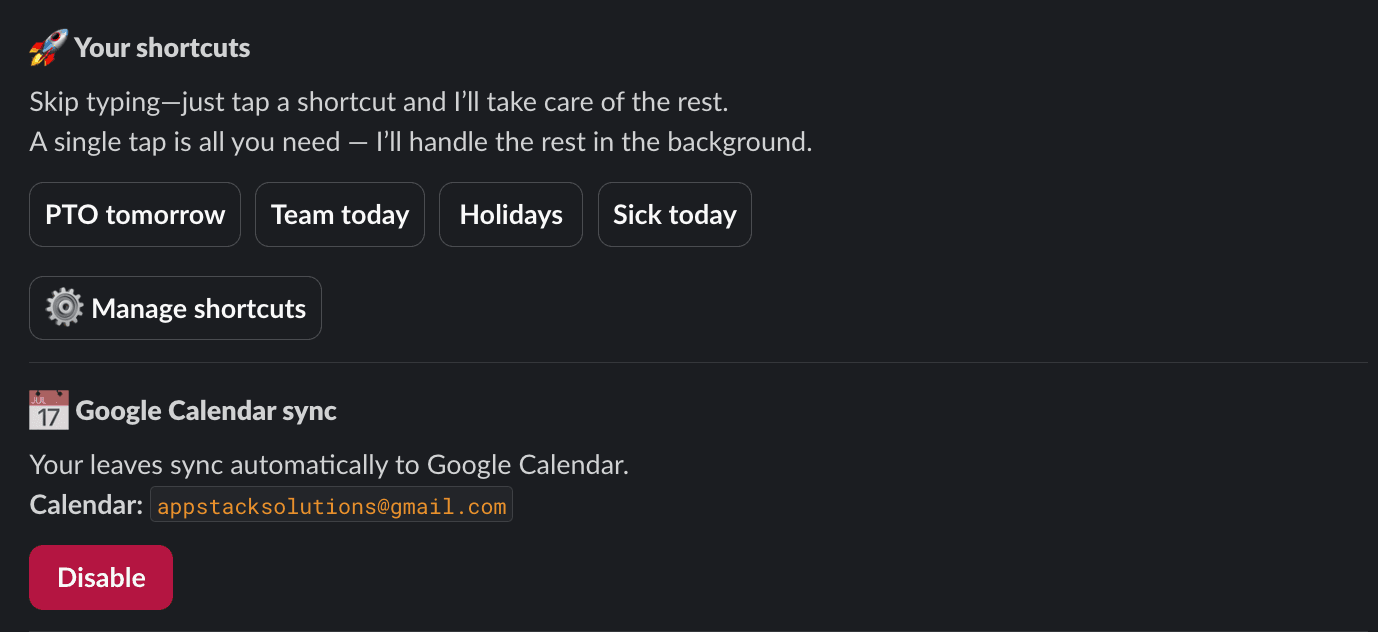
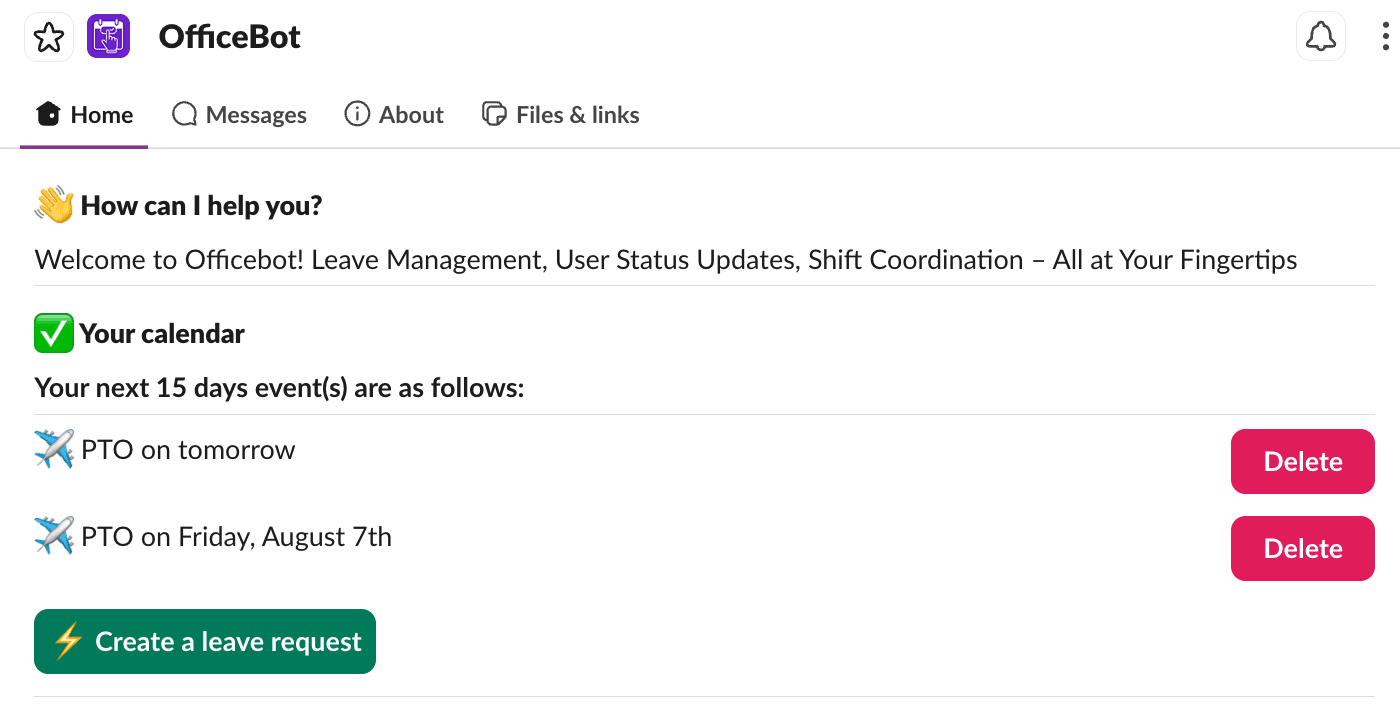
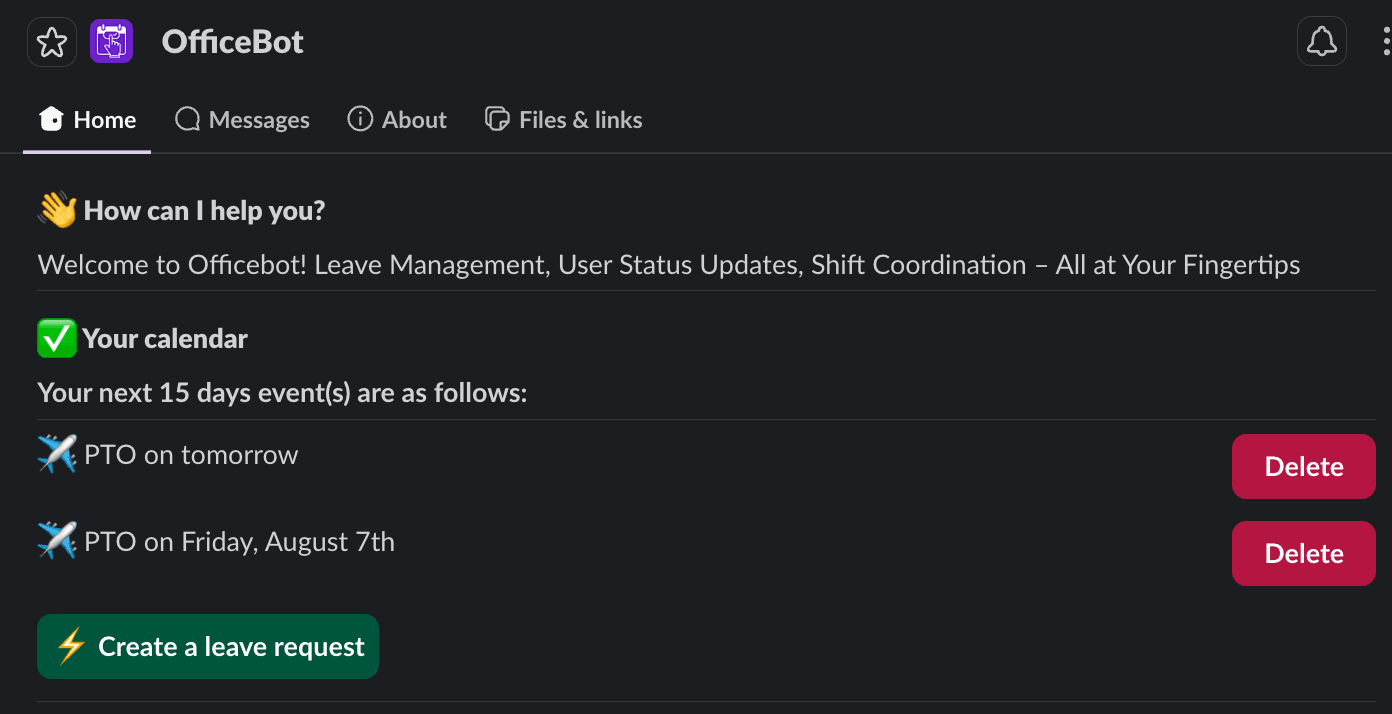
Your calendar, who's in, out or remote today, and one-tap shortcuts — or just ask Officebot in your own words.