
Integration · Slack
Built for Slack, not bolted on
Everything in Officebot starts in Slack — requests, answers, approvals, reminders and feeds — so there's no new app to adopt.
What it does
Officebot + Slack
DMs and channels
Talk to Officebot privately or mention it in any channel.
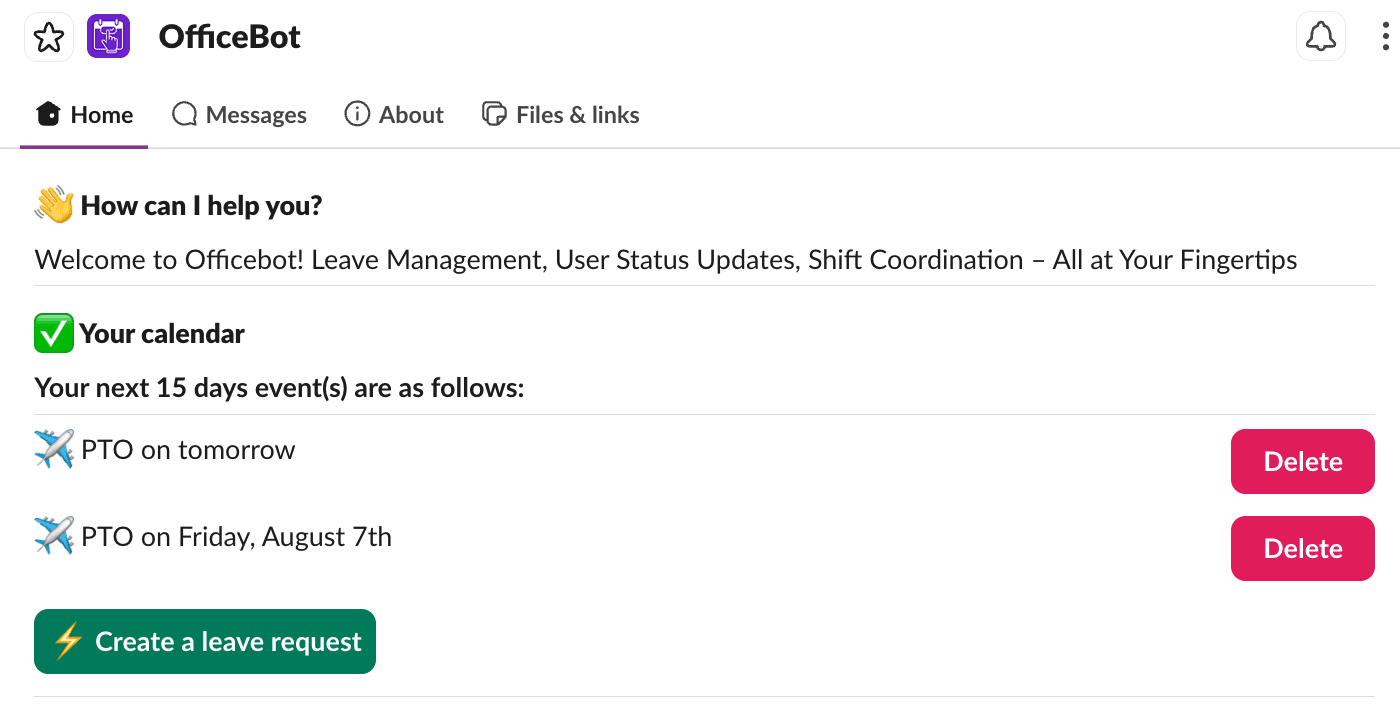
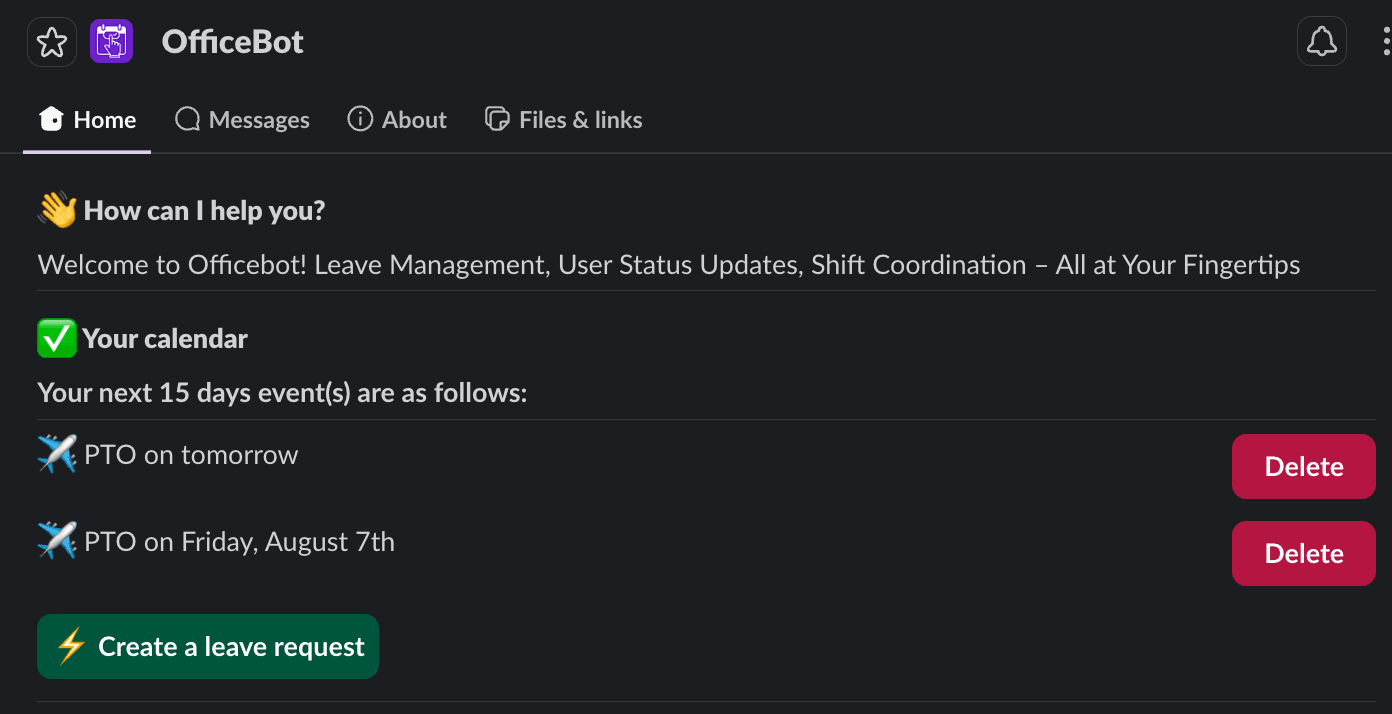
App Home
Your calendar, team status today and one-tap shortcuts on the Home tab.
Status updates
Slack status reflects leave automatically.
Channel feeds
Scheduled who's-out and holiday posts to the channels you choose.
Get connected
Set up in three steps
- 1
Click Add to Slack and install Officebot to your workspace.
- 2
Approve the requested permissions.
- 3
Invite @officebot to a channel, or just DM it "help".
More integrations
Try Officebot in your Slack workspace
Free for teams of 3 or fewer. 14-day free trial of Standard. Set up in minutes.