
Know who's out, who's remote and who's in — without asking
Your team books time off and office days by typing it in Slack. Officebot keeps the team calendar, Slack statuses, Google Calendar and leave balances in sync automatically.
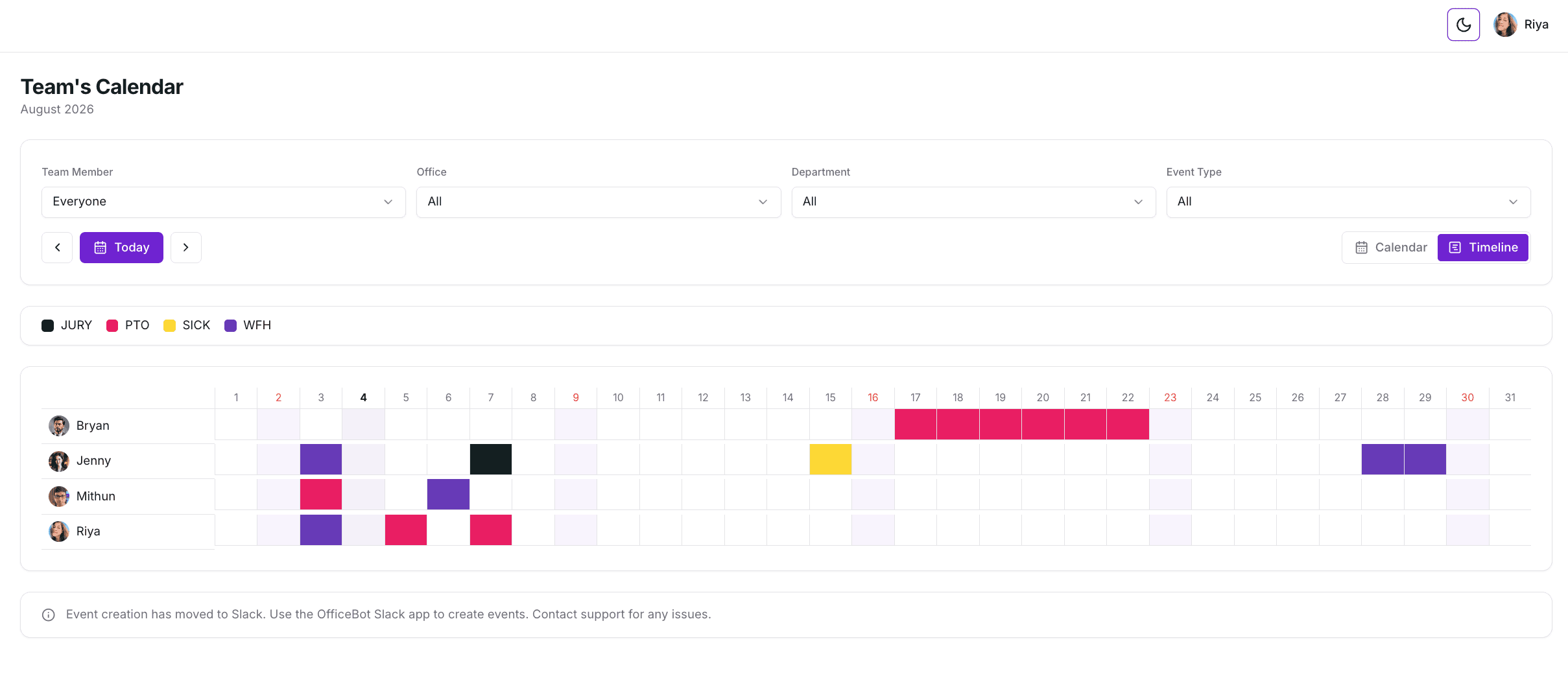
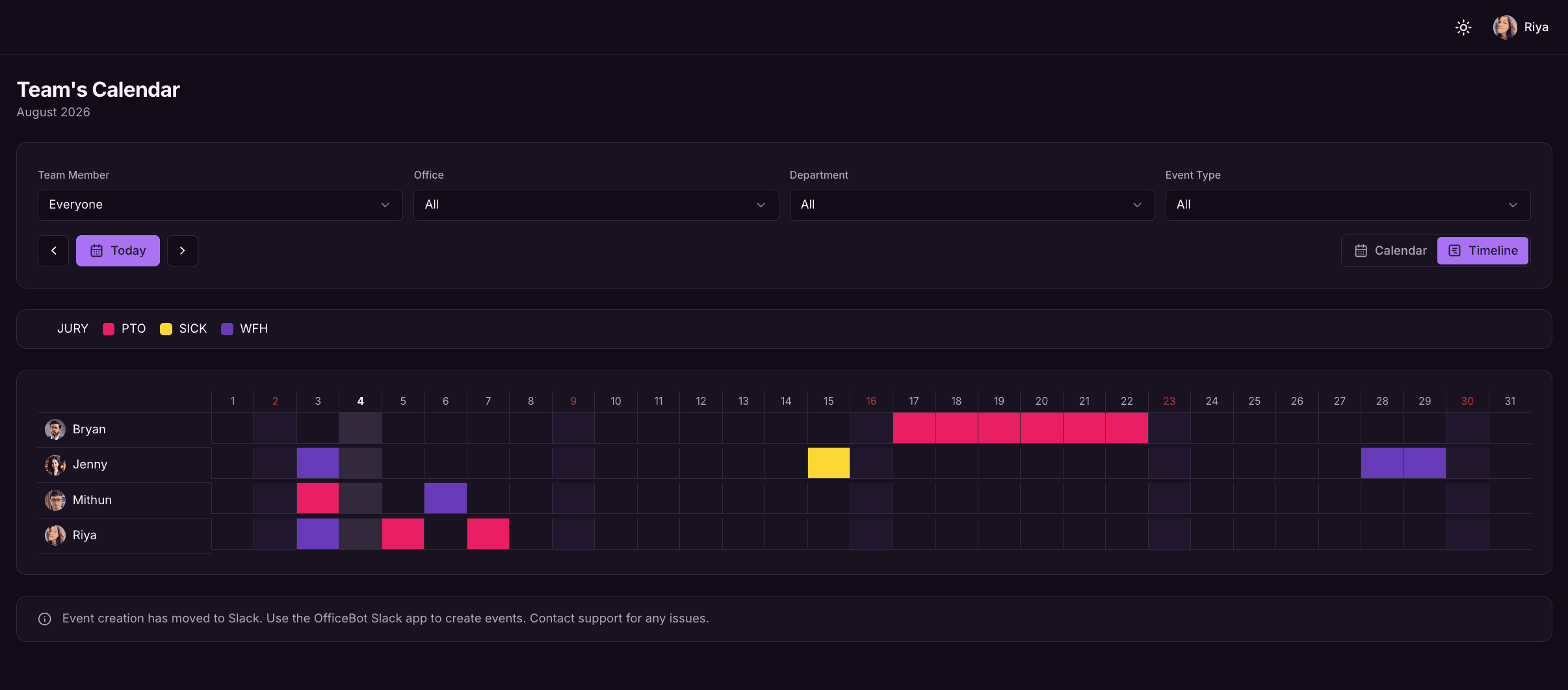
What you get
Everything in Time Off & Whereabouts
Book leave in a sentence
PTO, WFH, sick, wellness, in-office and up to 10 custom leave types — several requests in one message if you like.
Daily & weekly feeds
Scheduled digests post who's out, remote or in the office to the channels that need them.
Automatic Slack status
Statuses update while someone's away and clear when they're back.
Google Calendar sync
Leave lands on each person's Google Calendar without double entry.
Holidays
Import public holidays by country and remind the team before they arrive.
Balances & approvals
Quotas, carry-forward and balance summaries, with an approval workflow on the Standard plan.
Locations & teams
Scope holidays, feeds and visibility to the right office and team.
Reports
Export team leave reports for any date range to Excel.
Just ask
Type it in Slack
No forms or dropdowns — Officebot understands plain English.
- pto next friday -m dentist
- wfh tomorrow and in the office Thursday
- who's out next week?
- where is @sarah on Monday?
Explore more of Officebot
Try Officebot in your Slack workspace
Free for teams of 3 or fewer. 14-day free trial of Standard. Set up in minutes.